
Don't start from scratch
Already have a resume? Give it a makeover in minutes.
Upload the file you have. We pull out your details, show you what we found so you can correct it, and drop it into a fresh template.
- PDF · DOCX · ODT · JSON · TXT
- You review before saving
- Free
- .docx
- .odt
- .json
- .txt
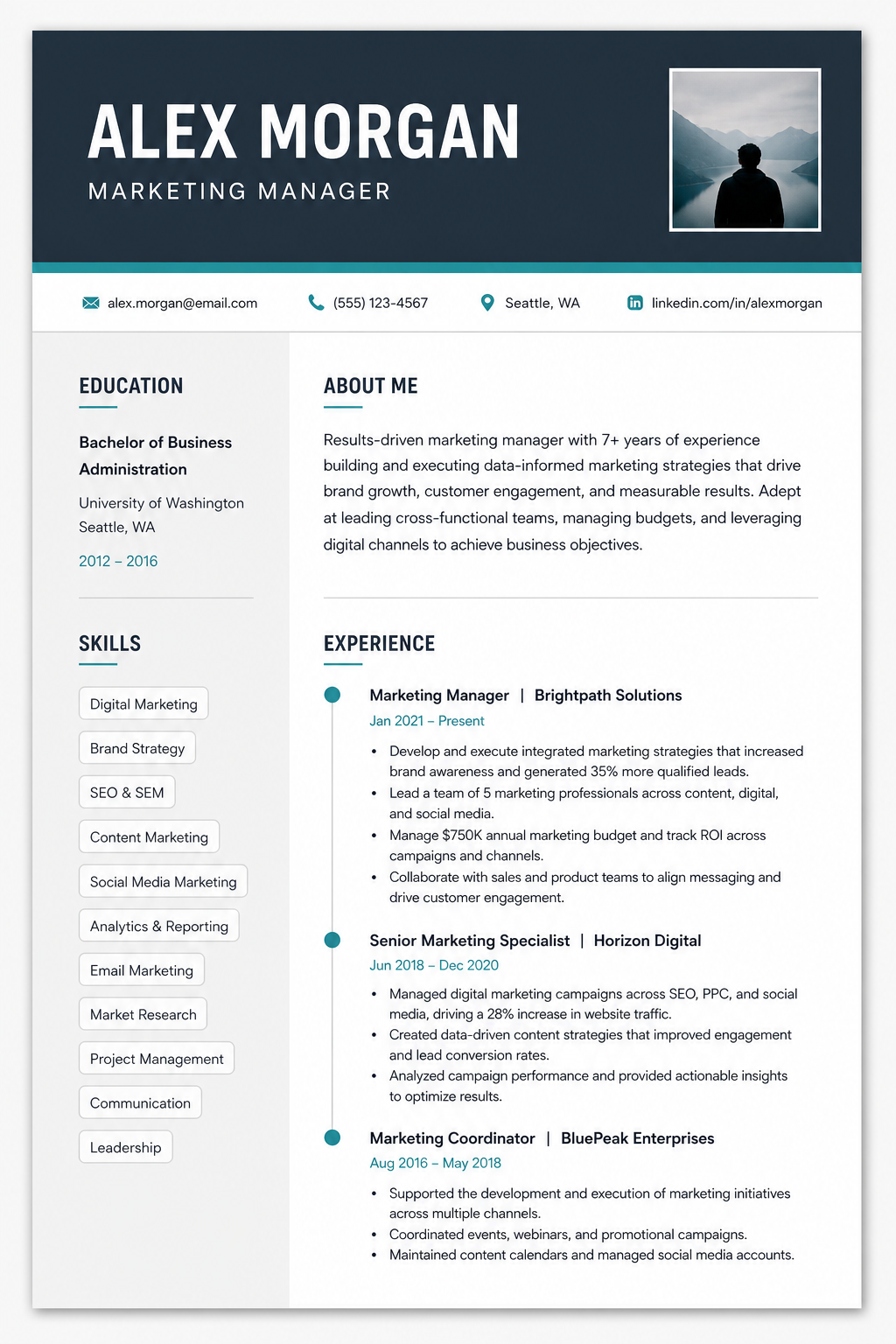
How importing works
Upload, check, restyle
- 01
Upload your file
PDF, DOCX, ODT, JSON or a plain text file — whatever you have on hand.
- 02
Review what we found
We show your details section by section so you can fix anything that was read wrong.
- 03
Pick a template
Choose a design and see your own content in it straight away.
- 04
Finish and polish
The guided builder shows what's still missing so you can finish quickly.
A note on accuracy
Imports are a head start, not a final answer.
Resumes come in many formats, so some fields may need a tweak. That's why you review everything before it becomes your resume.
Keep going
After you import
A free resume in about 10 minutes
Pick a template, add the essentials, download — the quickest route to a resume you can send today.
Read more →
Beat the ATS
How applicant-tracking systems read your resume, and the simple rules that keep it readable.
Read more →
Supercharge your resume
AI review, ATS scoring, tailored suggestions and cover letters — the upgrades that move the needle.
Read more →
Refer friends & family
Know someone still looking? Pass this on.
A friend, a sibling, a classmate — one free professional resume can change how their next application lands. Sharing takes ten seconds.
FAQ
Import FAQ
Which file types work?+
PDF, DOCX, ODT, JSON and plain text. If a file can't be read, you can still start from a template and paste your details in.
Is my file kept?+
We use your file to extract your details for your resume. You review the result before anything is saved to your resume.
Will it keep my formatting?+
It reads your content, not your design. The point is to put your content into a cleaner, ATS-friendly template.